Client paperwork, filled from the CRM you already have.
Load the CRM export, pick the forms, download the filled packet.
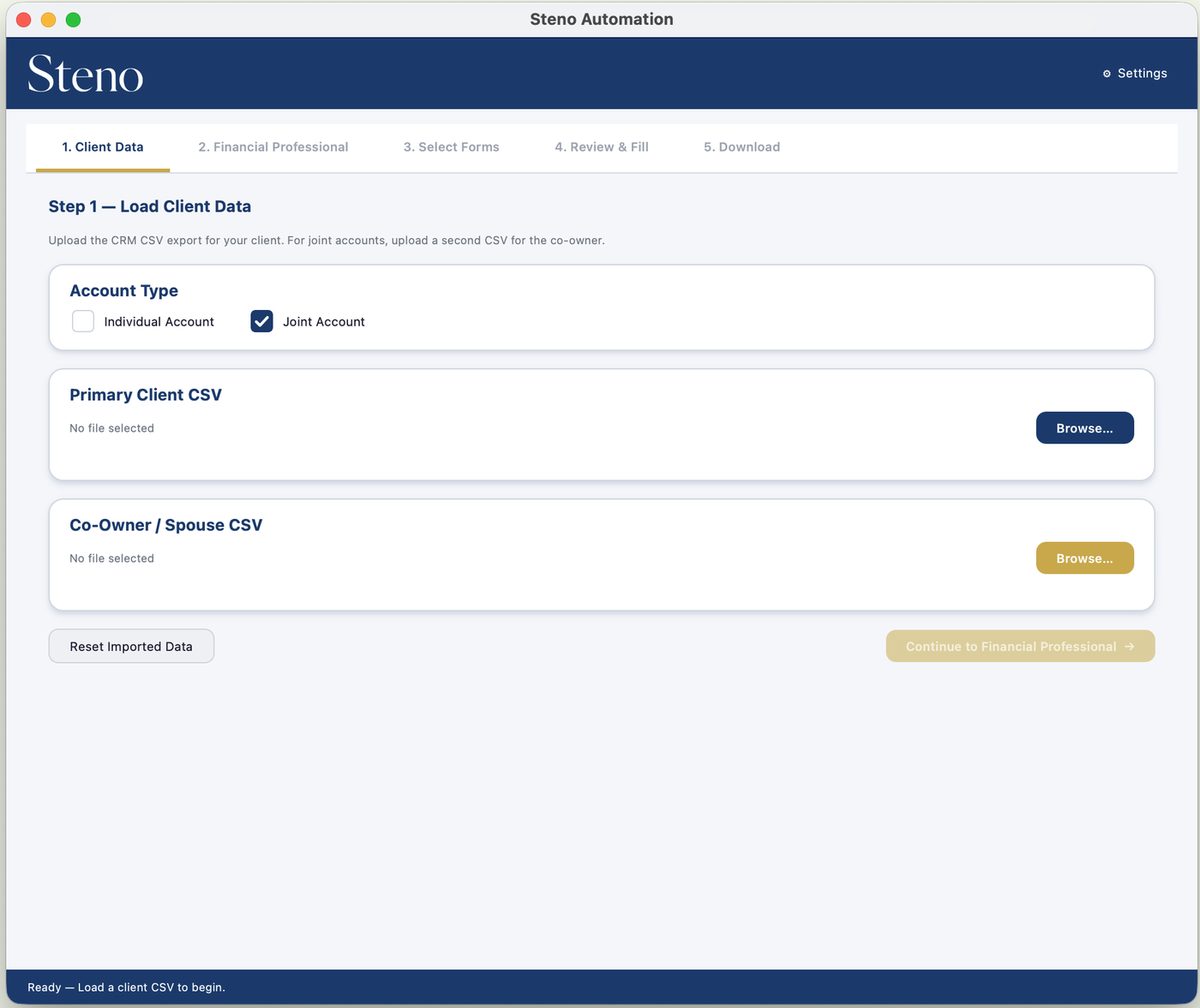
From CSV to a signed-ready packet.
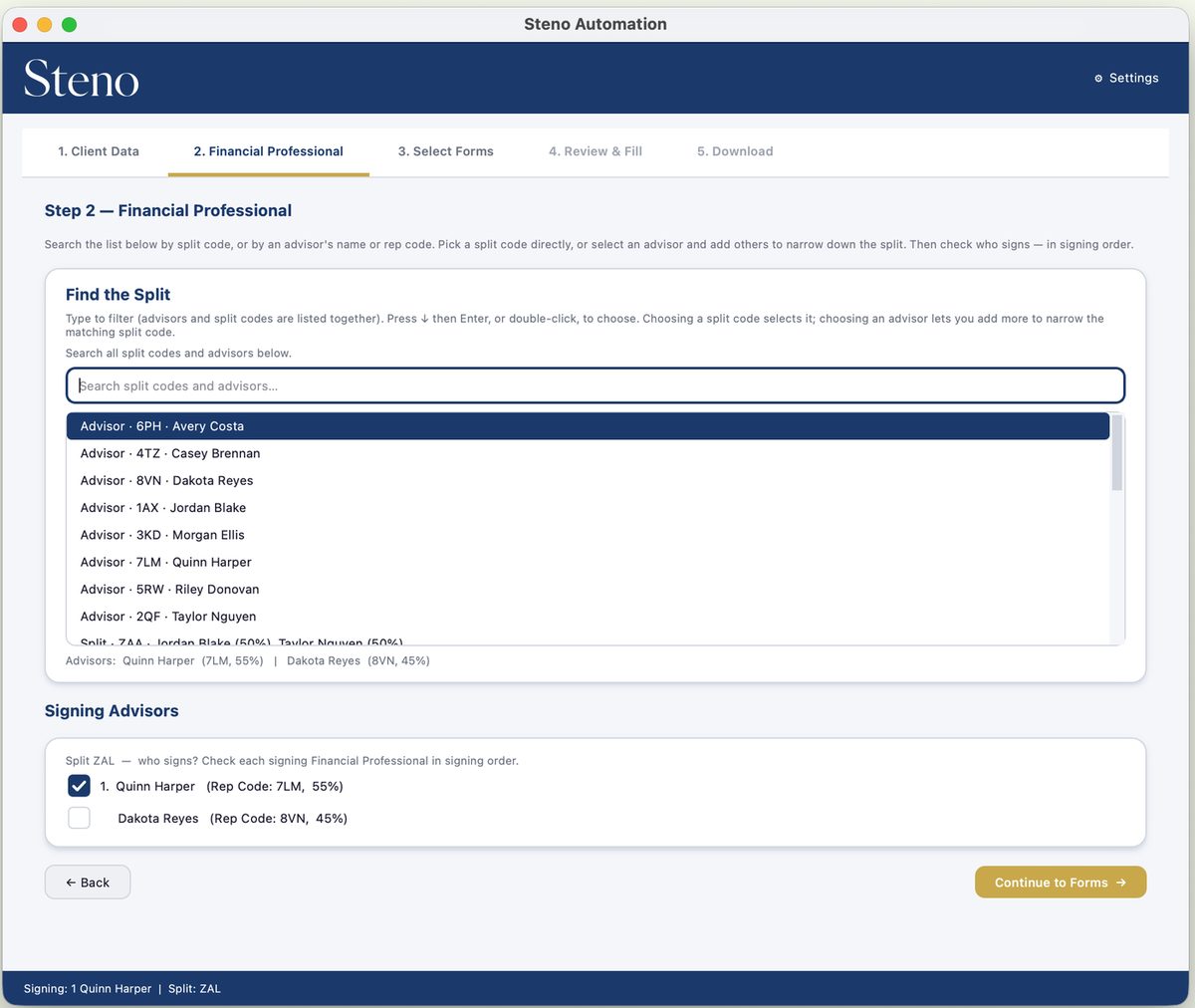
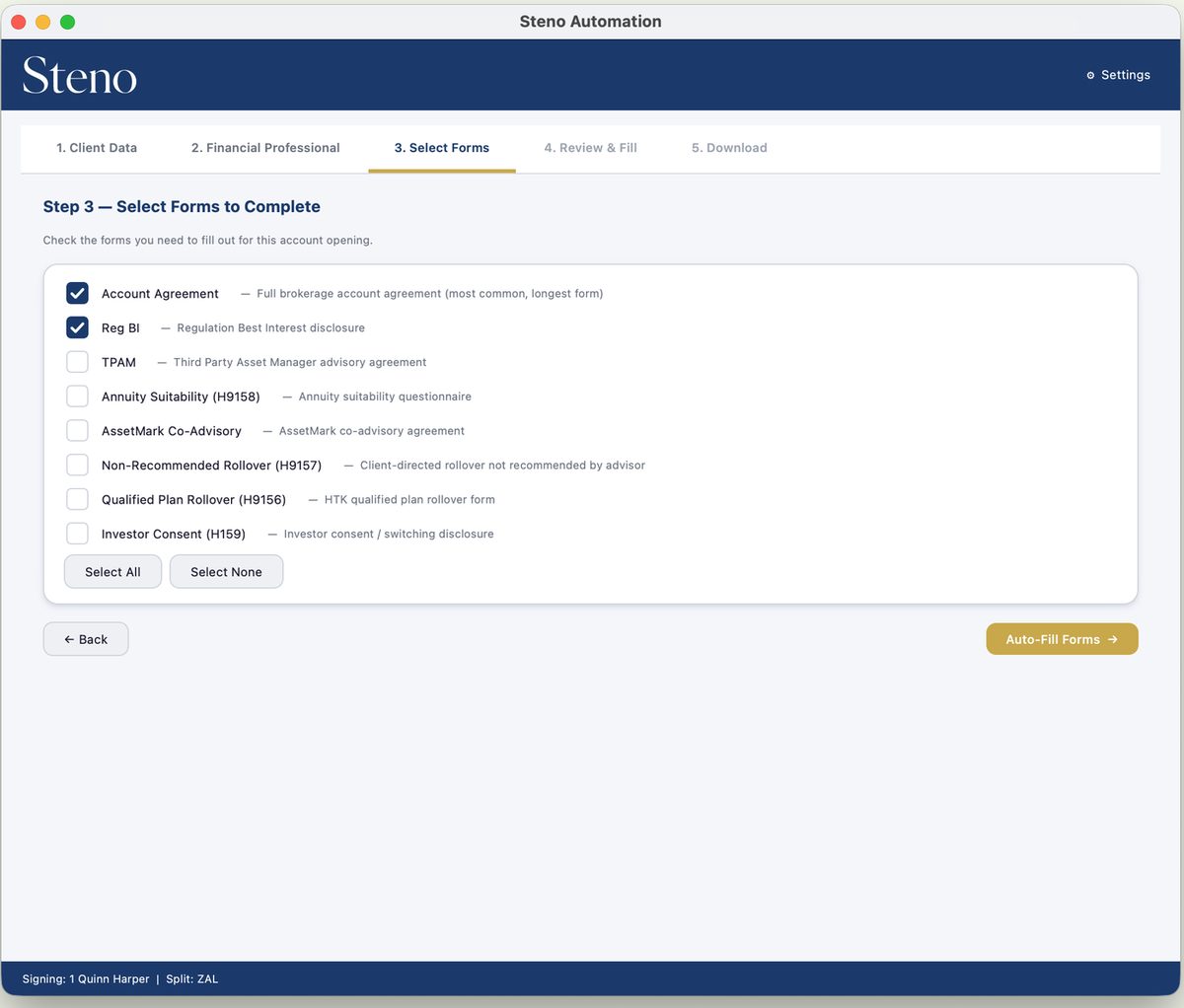
The desktop app, for macOS and Windows, walks through five steps. Most take a click.
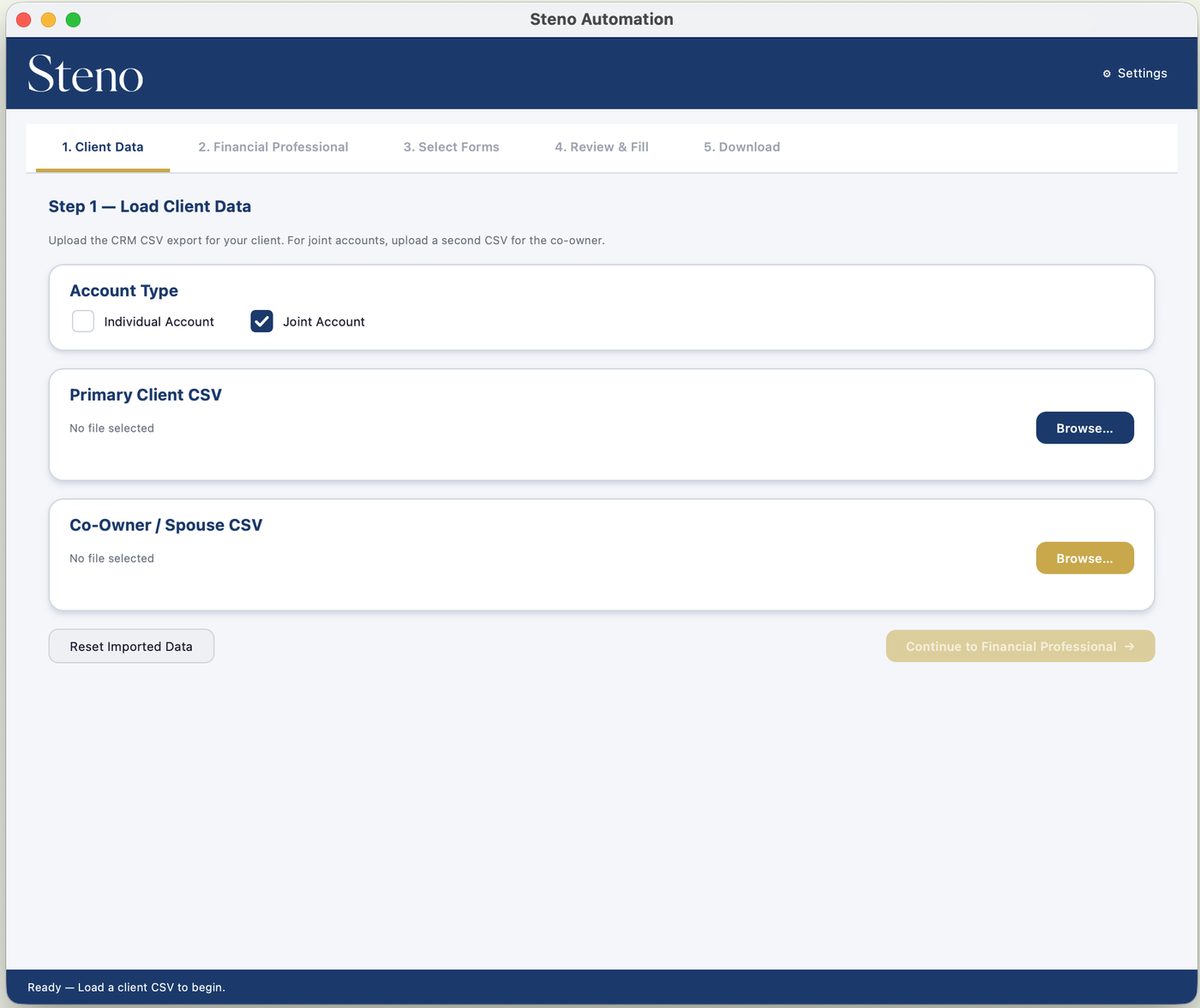
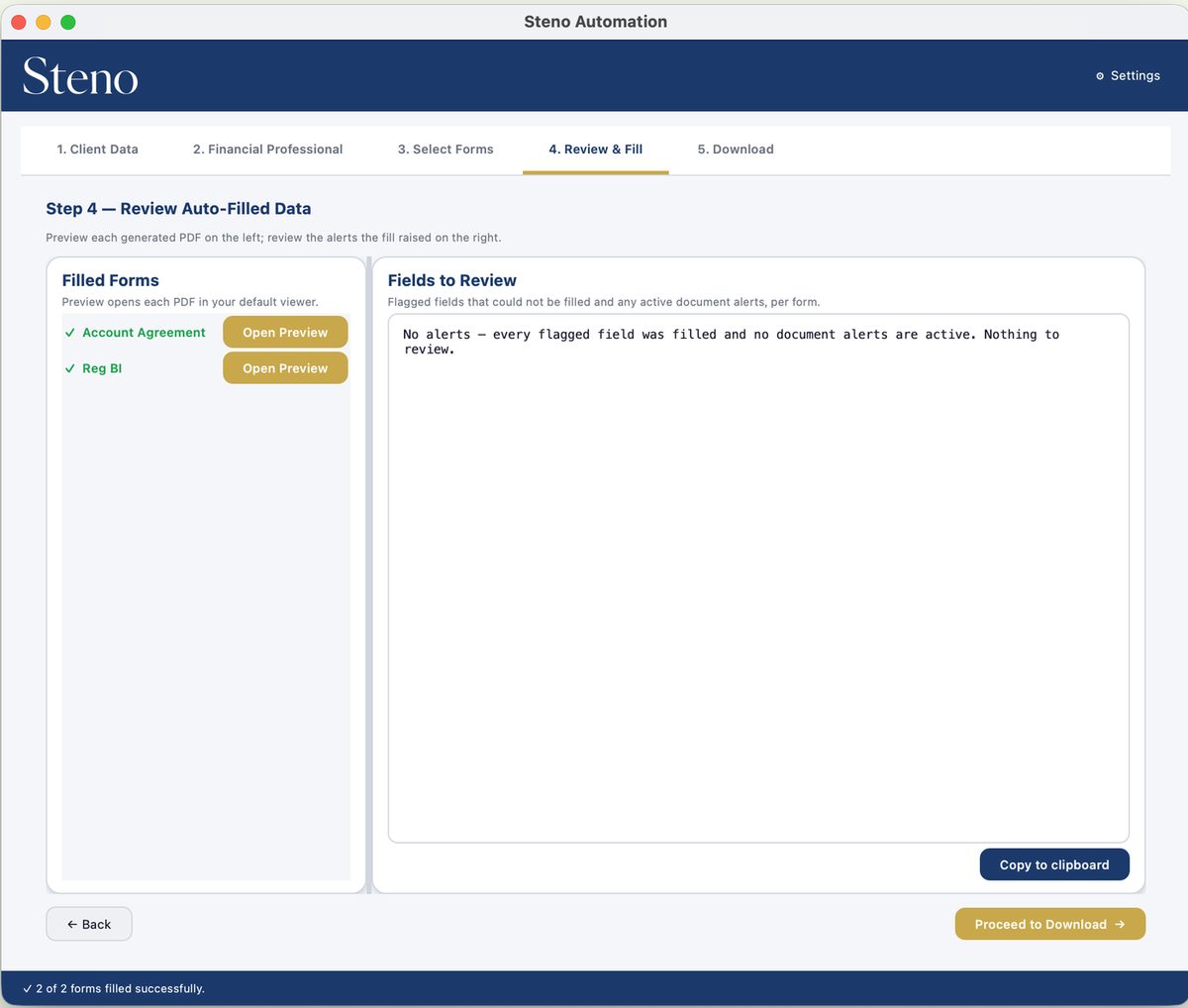
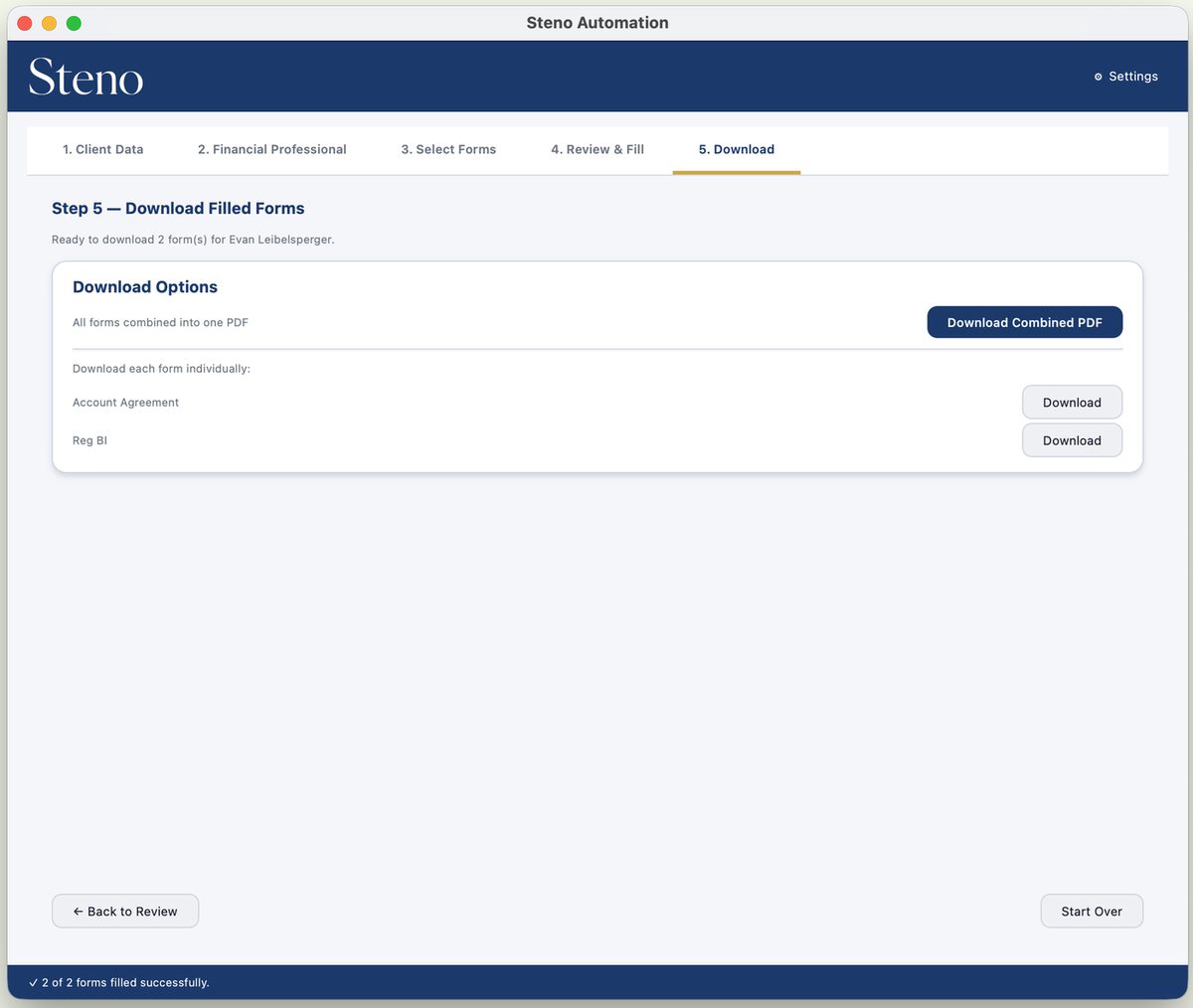
Your forms, your CRM's columns, your advisors. Set up once in the web portal.
The desktop app fills what the portal defines. Operations owns the mapping. Advisors just load a client.
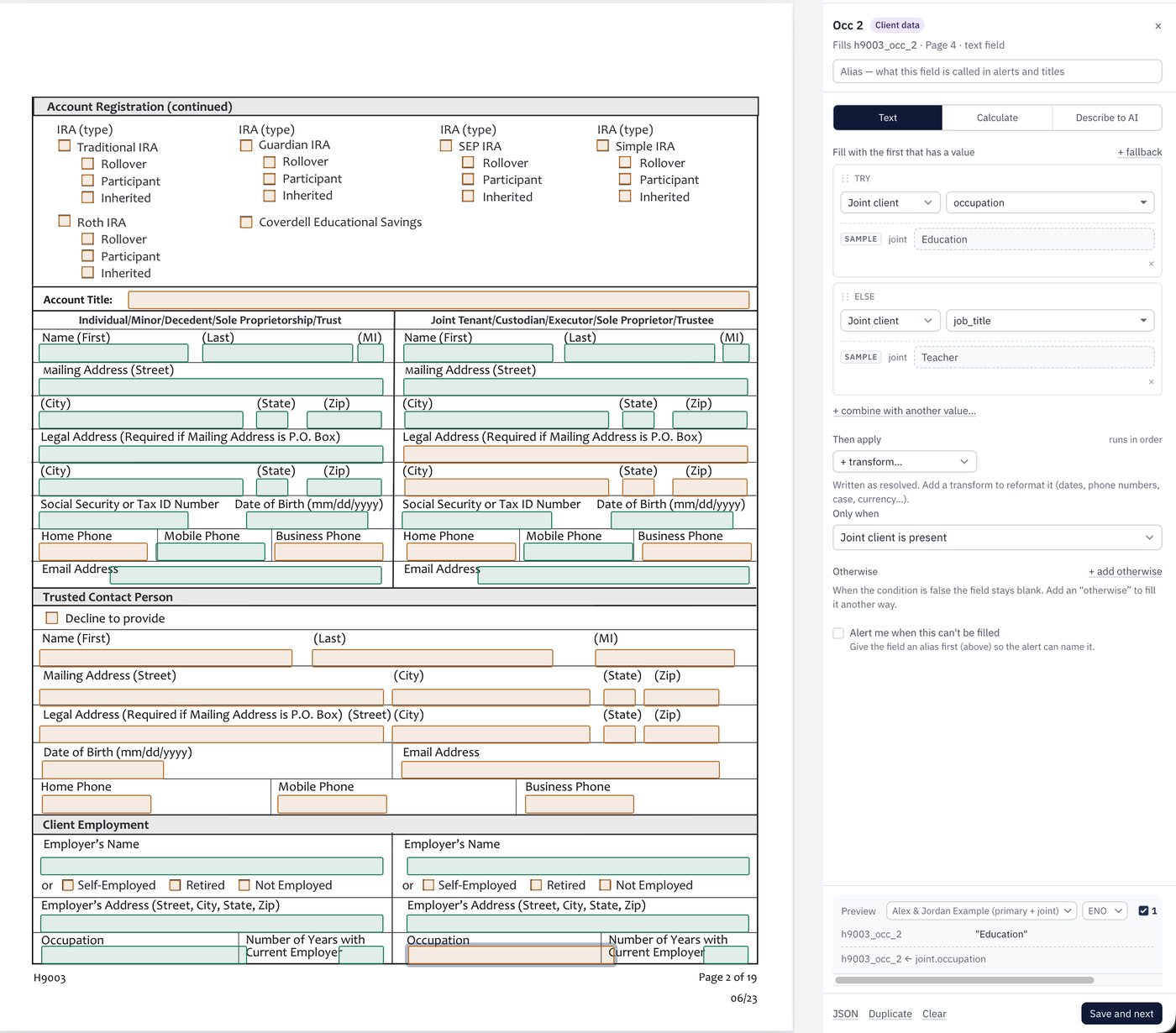
Map any PDF, field by field
Upload the blank form. Point each field at a CRM column, combine or reformat values, add conditions for joint accounts, and set alerts for what must never be blank. Sample data previews every rule as you write it.
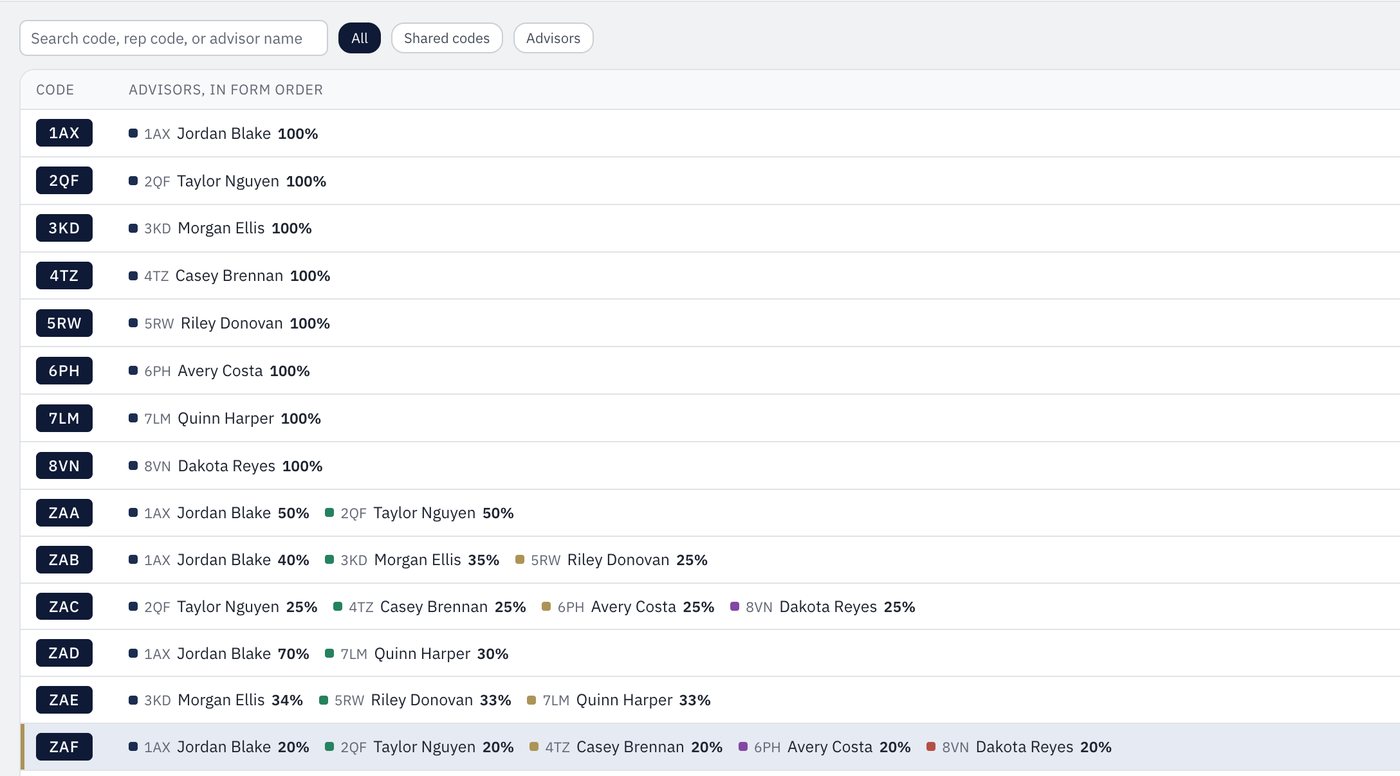
Advisors and split codes
Rep codes, names and shared splits with percentages, in the order the forms list them. Import from CSV or edit in place.
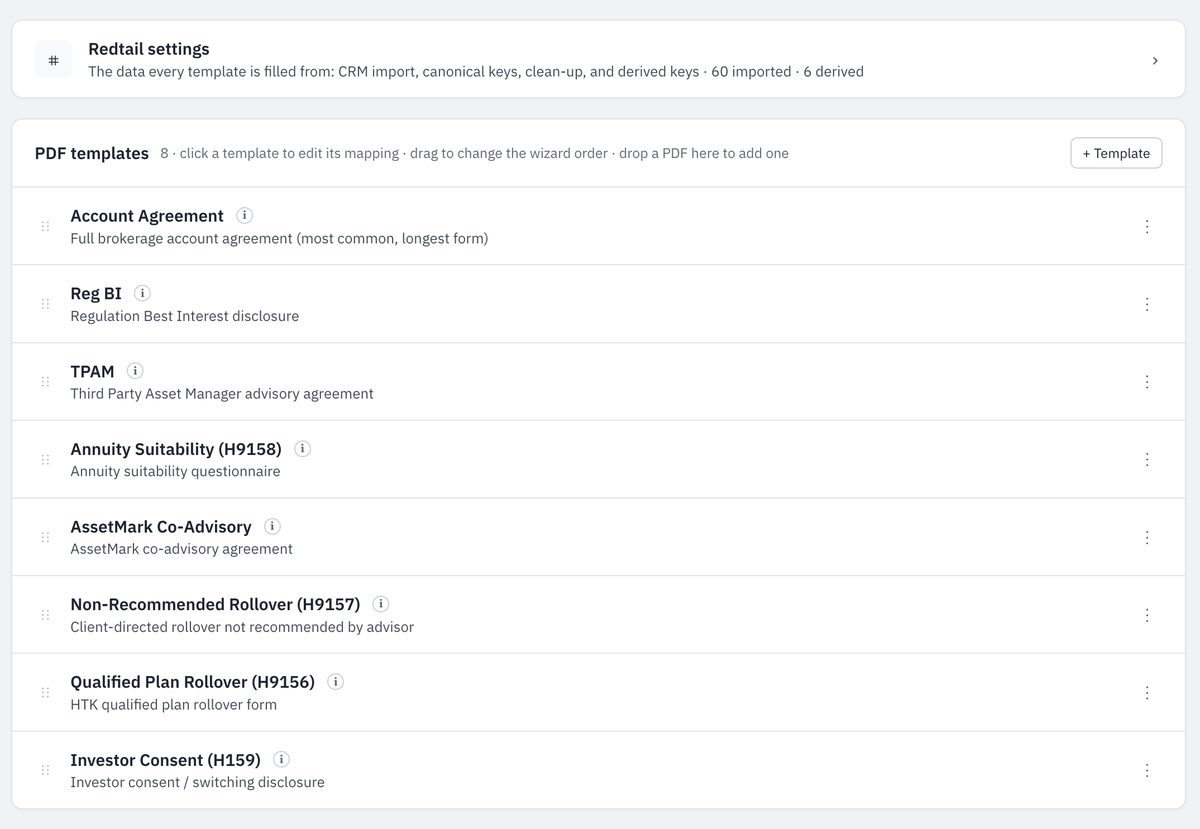
One package, published to every seat
Change a mapping or a split and every desktop picks it up on the next sign-in. Nothing to reinstall, nothing to email around.
Tailored to your CRM
We build the package around the export your CRM already produces, so your team keeps working the way it does today. Any CRM that exports a contact CSV can be set up.
Which forms?
Any fillable PDF. Steno ships with a starter kit of common brokerage forms. Your operations team adds the rest in the portal.
How is it licensed?
Per seat, assigned to advisors and staff from the portal. Each seat runs on up to three devices. Contact us for pricing.
Stop retyping account numbers.
Tell us about your firm and forms. We will set you up with an account, seats and your CRM's package.